Documentation

Easy install. Track every click.

Our lightweight setup works with Google Ads and other platforms, doesn’t need a developer, and won’t slow your site down. Connect an ad account, paste one tracking template field, then open the console to inspect sessions and exclusions.

Tracking template Ad account connect Console ready
1. Create a workspace

Get started and we’ll open a PPC Armor workspace for your sites. Invite teammates from the console when you’re ready.

2. Connect ad accounts

Link Google Ads, Meta, or Microsoft Ads so every paid click carries campaign context. Shopping and Performance Max are supported through the same tracking template path.

  • Google Ads
  • Meta Ads
  • Microsoft Ads

3. Paste the tracking template

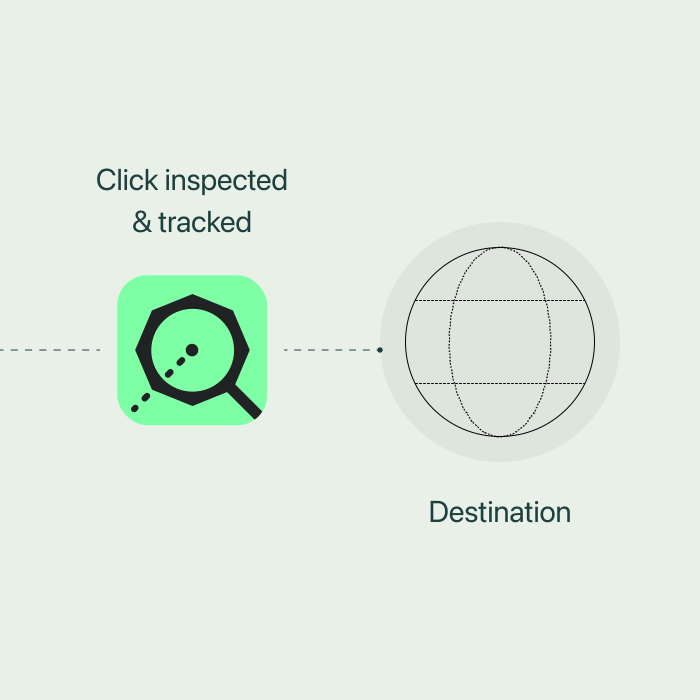
In Google Ads, open the campaign or account Tracking template field — not the Final URL. Paste the template from your console. Destinations should be normal HTTPS landing pages.

Tracking template is generated inside your workspace after you connect an account

Prefer the Final URL macro when your ad platform supports it. Keep the Final URL pointing at the page shoppers should open.

4. Turn on exclusions

Start with predefined click-fraud rules, then tighten audience, IP, and referrer exclusions as you learn the traffic. Unwanted visits can be added to exclusion audiences automatically.

  • Audience exclusion
  • IP & network exclusion
  • Referrer domain screening

What you’ll see in the console

  • Real-time analytics and saved views for any traffic segment
  • Individual session timelines for deeper inspection
  • Risk signals for bots, repeats, and suspicious devices
  • Exports and alerts when a segment needs attention

Need help?

US-based support can walk you through onboarding, agency multi-site setups, and exclusion strategy.

Talk to support

FAQ

Will this slow my site?
No. The tag is lightweight and the Final URL shoppers open stays unchanged.
Do I need a developer?
Usually not. Most teams paste the tracking template themselves in under 10 minutes.
Can agencies manage multiple sites?
Yes. Run everything from one account and invite your team.
Where do I start?
Open Pricing for plan envelopes, then Get started so we can create your workspace.